Use the Pinned Events event creation API to create draft or published events with title, start time, timezone, location, classifications, media, and ticket links.
Minimal event request
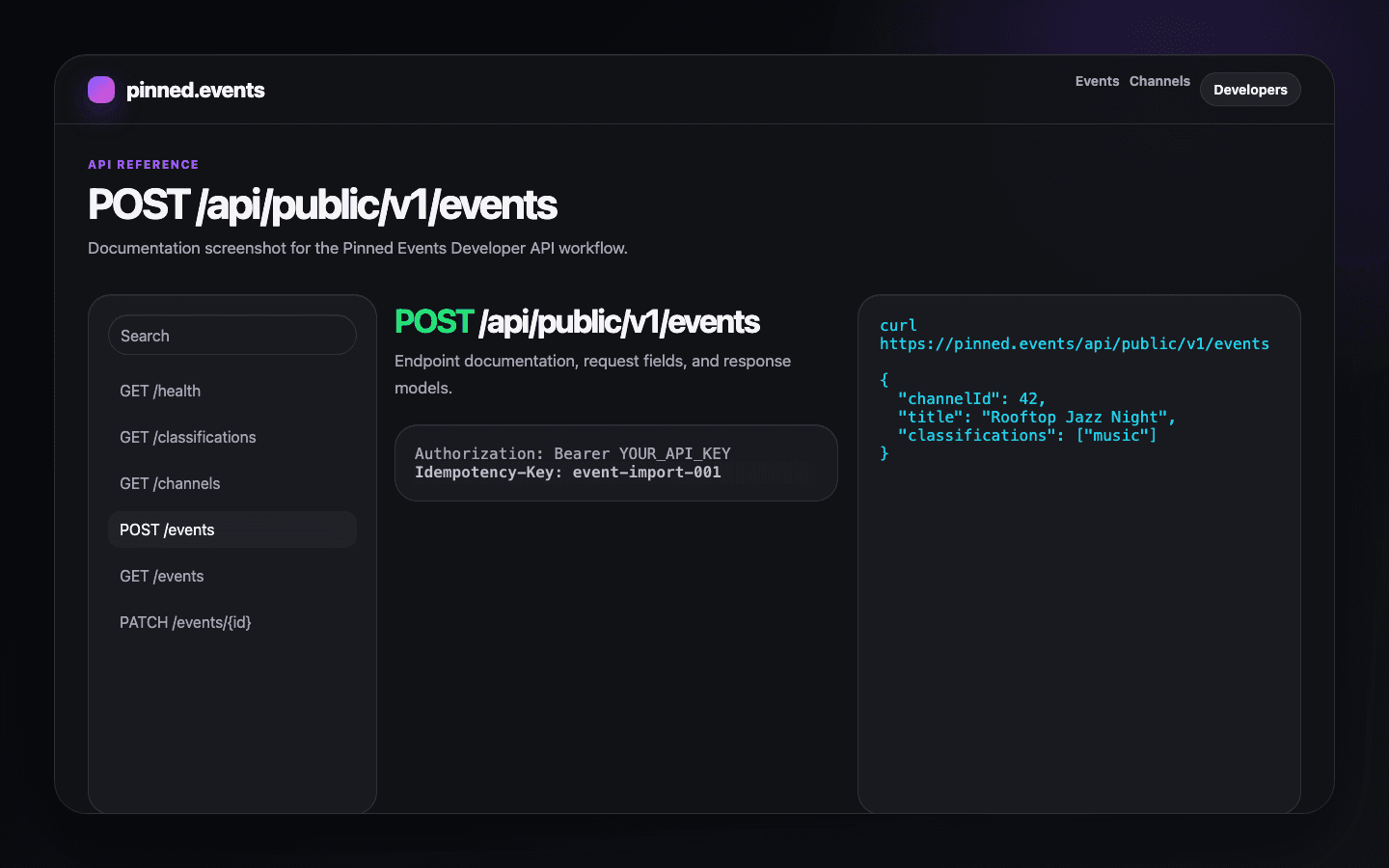
curl https://pinned.events/api/public/v1/events \
  -H "Authorization: Bearer YOUR_API_KEY" \
  -H "Content-Type: application/json" \
  -H "Idempotency-Key: wordpress-post-123-create" \
  -d '{
    "channelId": 42,
    "title": "Rooftop Jazz Night",
    "startAt": "2026-06-12T20:00:00-04:00",
    "timezone": "America/New_York",
    "classifications": ["music"],
    "approxLocation": {
      "city": {
        "placeId": "place-new-york",
        "name": "New York",
        "countryCode": "US"
      }
    }
  }'
{
"doc": {
"id": 1,
"title": "Rooftop Jazz Night"
}
}Required fields
| Field | Purpose |
|---|---|
| channelId | Numeric ID of the target channel. |
| title | Human-readable event title. |
| startAt | ISO datetime with offset. |
| timezone | IANA timezone identifier. |
| classifications | Public classification slugs such as music. |
| approxLocation.city.placeId | Place identifier for the event city. |
Optional fields
As the workflow grows, add exact venue details, descriptions, images, ticket offers, endAt, attendance, audience, capacity, and publishing options.
Expanded event request
Use the minimal request for the first integration test. Add fields such as endAt, status, locationName, coverImage, and ticket offers when your publishing workflow is ready to send richer event data.
{
  "channelId": 42,
  "title": "Rooftop Jazz Night",
  "startAt": "2026-06-12T20:00:00-04:00",
  "endAt": "2026-06-12T22:00:00-04:00",
  "timezone": "America/New_York",
  "status": "published",
  "classifications": ["music"],
  "approxLocation": {
    "city": {
      "placeId": "place-new-york",
      "name": "New York",
      "countryCode": "US"
    }
  },
  "locationName": "Rooftop Room",
  "coverImage": 123,
  "offers": [
    {
      "name": "General admission",
      "url": "https://tickets.example/rooftop-jazz-night",
      "availability": "available"
    }
  ]
}
Location and classifications
Use public classification slugs in classifications. List supported values with GET /api/public/v1/classifications. Do not send internal taxonomy IDs in the public create-event payload.
Images, media, and ticket links
Upload image files with POST /api/public/v1/media, then use the returned media doc id as coverImage. External ticketing can stay outside Pinned Events; include ticket offer URLs when your workflow supports them.
Draft vs published events
Use status draft when a human should review imported data before it appears publicly. Use status published only when the source record has already been approved for public distribution.
Validation errors
{
  "error": {
    "code": "invalid_request",
    "message": "Request validation failed.",
    "requestId": "req_01J...",
    "details": {
      "field": "classifications",
      "issue": "Unknown classification slug \"gig\". Use GET /api/public/v1/classifications to list supported values."
    }
  }
}