Learn how Pinned Events channels work, how to list accessible channels, choose a channelId, and publish events into channels people can follow and discover.
What a channel is
A channel is a public feed where organizers, venues, communities, or local platforms publish events. People can discover events through channels and follow updates from sources they care about.
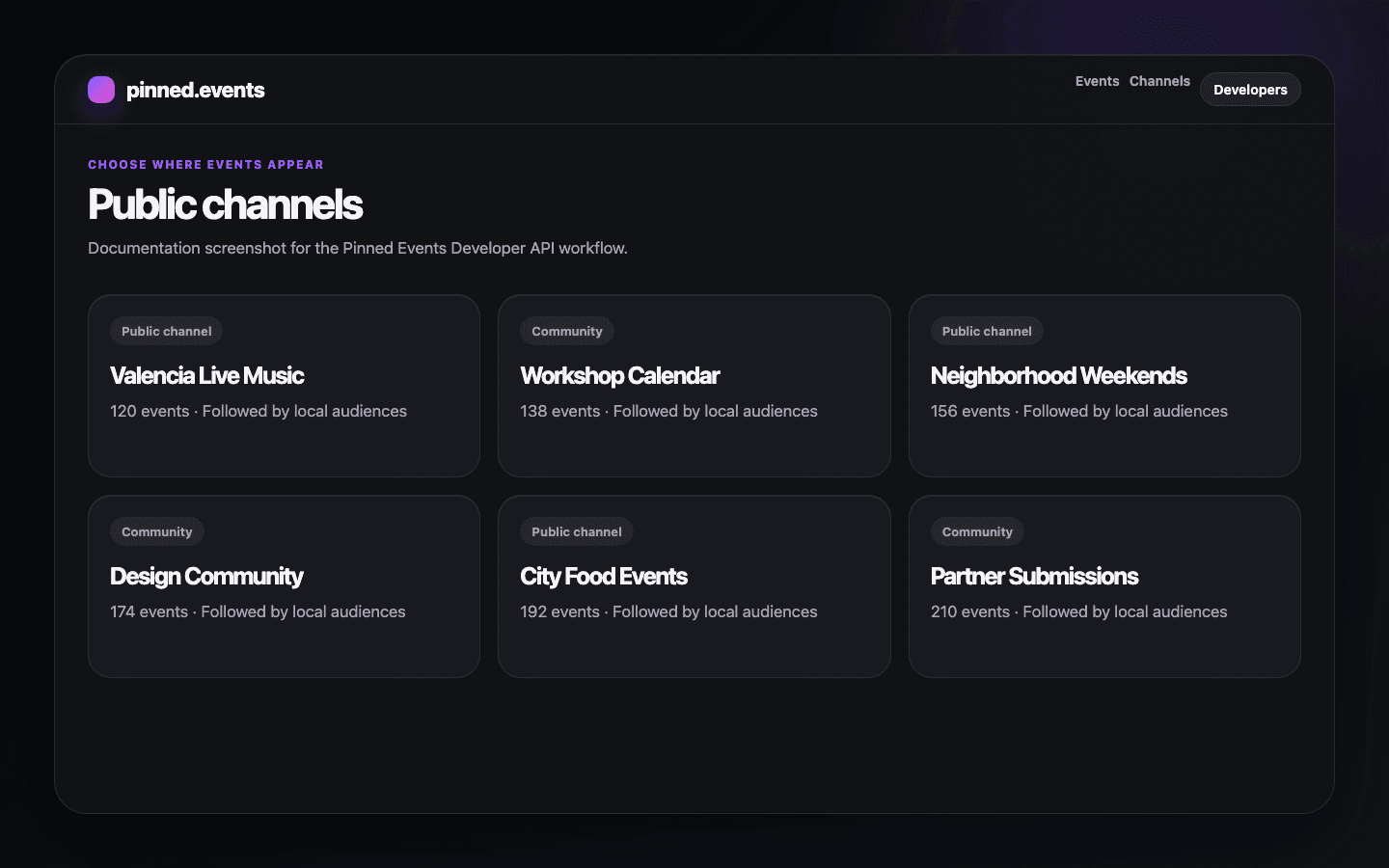
List accessible channels
curl https://pinned.events/api/public/v1/channels \
  -H "Authorization: Bearer YOUR_API_KEY"
{
"docs": [
{
"id": 42,
"name": "Valencia Live Music",
"slug": "valencia-live-music"
}
],
"page": 1,
"limit": 20,
"totalDocs": 1,
"totalPages": 1,
"hasNextPage": false,
"hasPrevPage": false
}Why every event needs a channelId
Pinned Events publishes every API-created event into a channel. The channelId tells the API where the event should appear and gives the runtime a concrete resource for ownership and access checks.
Forbidden channel examples
A 403 response means the key is valid but cannot access the requested channel. This can happen when the wrong channelId is used or when channel ownership changed after the key was created.
Related pages
Getting startedCreate an API key, find a channelId, publish your first event, and retry safely.API keys and scopesUnderstand API key lifecycle, default quickstart scopes, owner-scoped channel access, and revocation behavior.Create eventsCreate draft or published events with required fields first, then add location, media, ticketing, and publishing options.TroubleshootingDiagnose authentication failures, forbidden channel access, validation errors, duplicate events, and rate limits.